Documents need to be printed, as most of them need to be signed by the relevant persons.
If a document needs to be sent by PDF, you can print each directly to PDF.
Standard PC version: when selecting Printer - select Microsoft Print to Pdf.
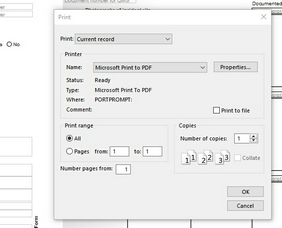
You may have a dedicated PDF printer installed which you will use.
Online standard package:
Select print. An image will appear on your screen. Print or select Download.
Online Premium (Direct access) package:
In the 'Company Details' Section, select License Key.
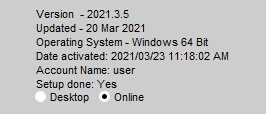
At the bottom of the page, select ONLINE